
new
Mobile APP
Ecommerce
Dashboard
Tell your clients the product effect
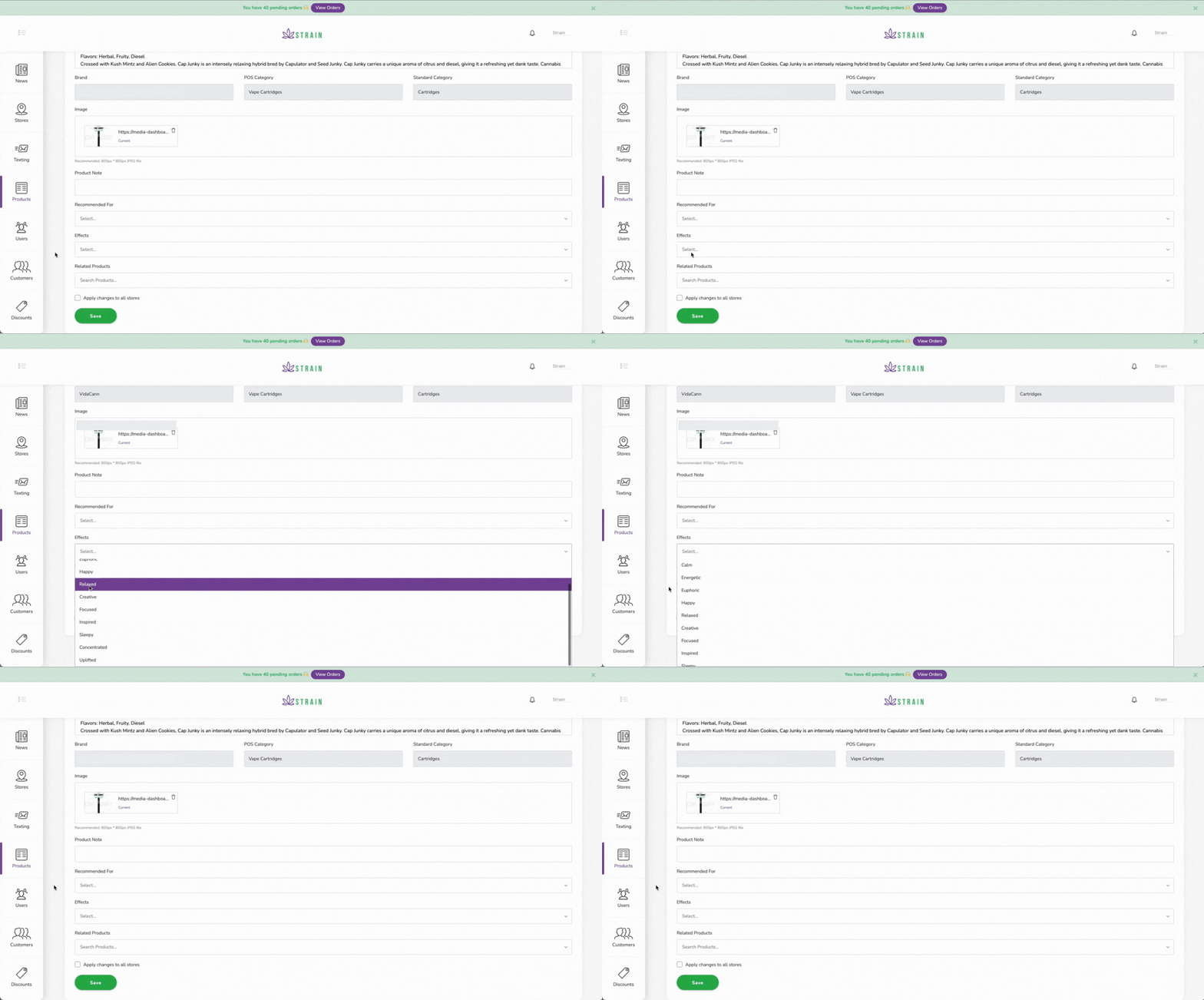
We added a section in the product description where you can select product effect(s) and will be shown in the product description in the e-commerce and mobile app menu.
How to use:
- Open your dashboard.
- On your main menu (Left bar) click on Product.
- Click the product you want to edit.
- Scroll down and select the effects* that better describe the product.
- Save changes
*You can select one or as many as you want.
These are your options:
- Calm
- Energetic
- Euphoric
- Happy
- Relaxed
- Creative
- Focused
- Inspired
- Sleepy
- Concentrated
- Uplifted
This helps the dispensary's clients find what they are looking for easier.